Meal choices and dietary needs
Guests choose their meal as they RSVP, with dietary notes for each person in their party. Export the lot as a spreadsheet for your caterer.
SimplyRSVP for weddings
Your wedding website is the first thing guests see after the invitation, and the place they come back to with every question. SimplyRSVP gives it a designer look and does the admin for you: every RSVP, meal choice and plus-one lands in one live guest list.
Send each guest a personal link, or print a QR code on your paper invitations. Guests reply in a couple of taps on their phone, with no account or app to download.
Made for the occasion
Guests choose their meal as they RSVP, with dietary notes for each person in their party. Export the lot as a spreadsheet for your caterer.
Decide who can bring a guest and how many. Add a partner’s name yourself and it’s already filled in when your guest replies.
Share the order of the day, from the ceremony to the last dance, so guests always know where to be and when.
Guests claim registry gifts so nothing is bought twice, and once the seating chart is done, each guest finds their table on a map of the room.
Designs
Start from a finished design and make it yours in the studio: your words, photos, colours and fonts, laid out separately for phones, tablets and computers.
Wedding
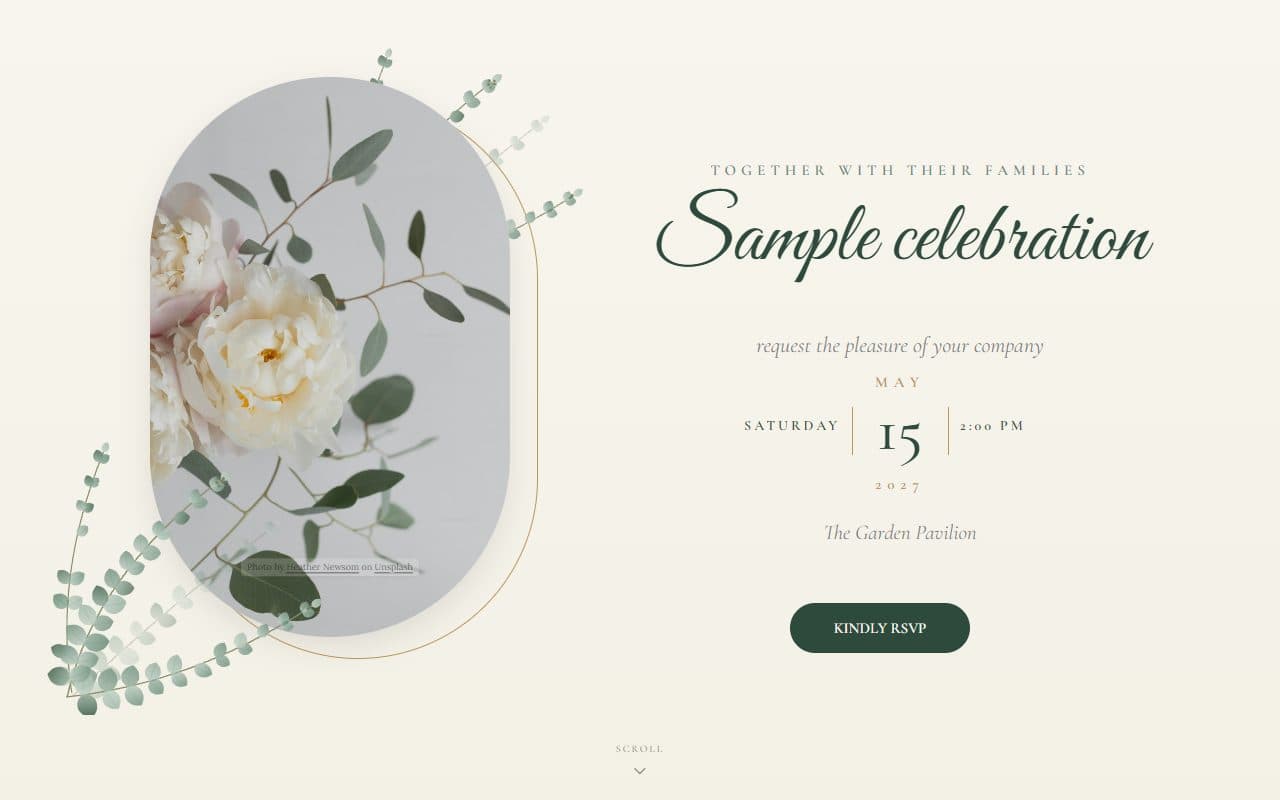
Eucalyptus watercolours, a framed garden portrait and refined script lettering for a romantic, timeless wedding.
Wedding
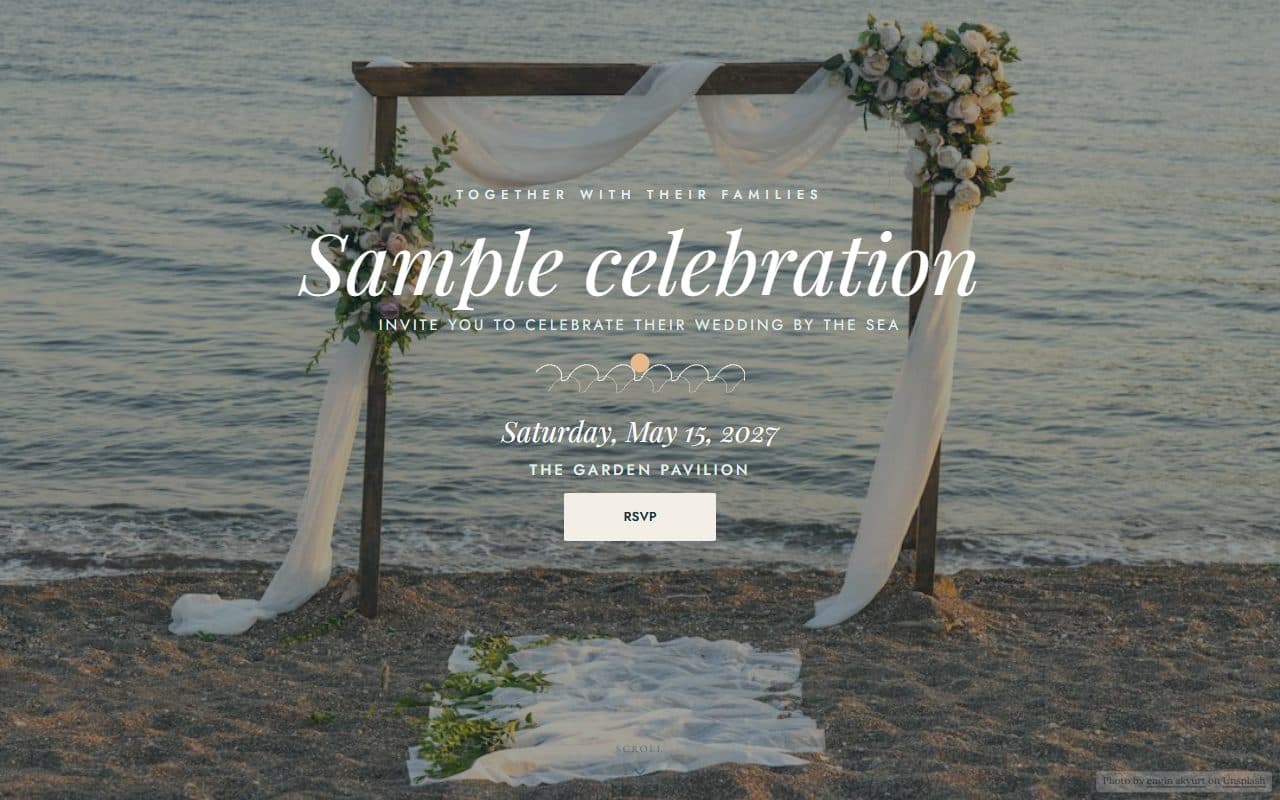
A barefoot-elegant beach wedding: a full-bleed seaside ceremony, sand and sea tones and hand-drawn waves.
Wedding
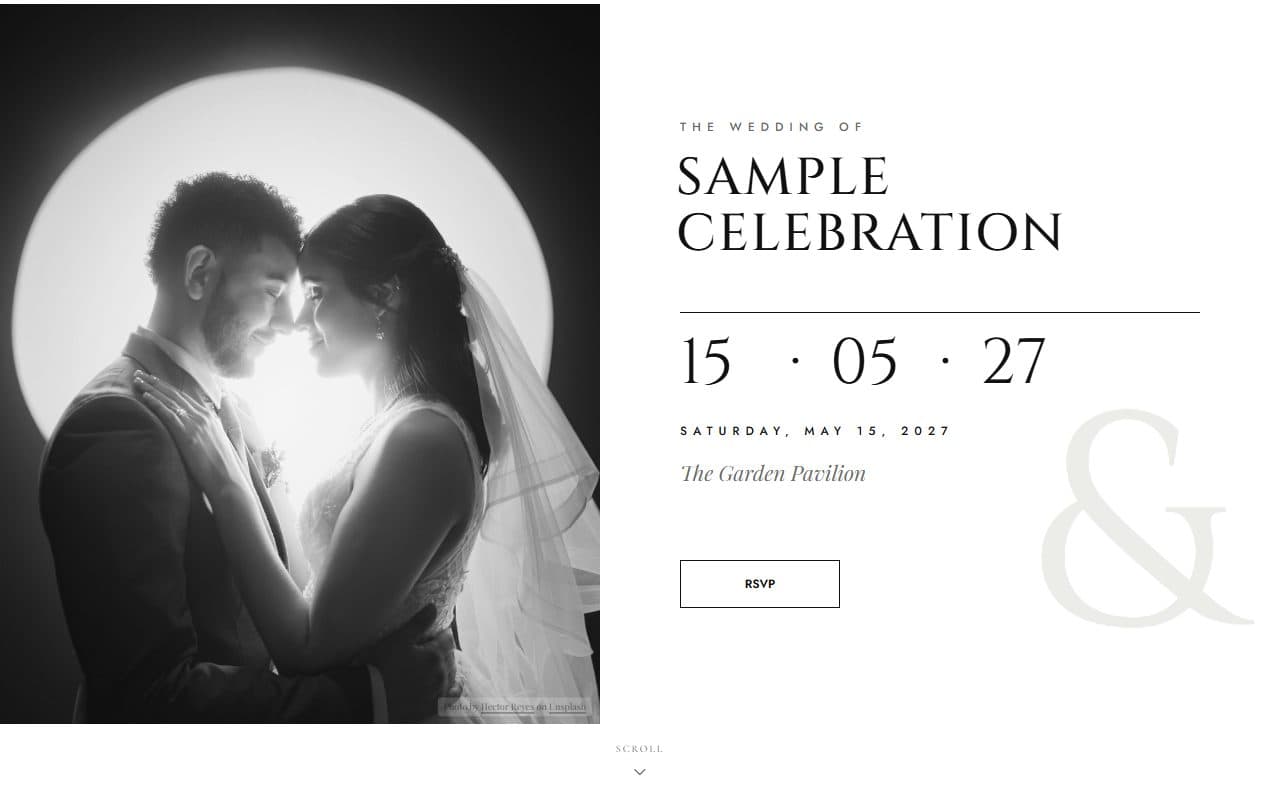
An editorial black-and-white wedding: a full-height portrait, statement serif names and a numeral date.
Your RSVP, your questions
Add your own questions to the RSVP form: open answers, numbers, choices, a 1–5 scale or a ranking. Follow-ups and notices can appear only for the guests they apply to. A few ideas:
Which of the weekend’s events can you make?
Multiple choiceWelcome party, ceremony, reception and Sunday send-off
Will you take the shuttle from the hotel?
Single choiceYes or no
How many nights are you staying?
NumberBook with code LOVE27 for our room block.
Notice · Shown only to guests staying one night or more
Which song will get you on the dance floor?
Open-endedHow it works
Pick one of the weddings templates, or any other, and add your names, date and venue.
Build your guest list, choose who can bring others, and add any questions you want answered.
Send personal invitation links or print a QR code. RSVPs arrive on your dashboard as guests reply.
Questions
Most couples ask for replies three to four weeks before the day, which gives the caterer and venue time for final numbers. Set an RSVP deadline and SimplyRSVP closes new responses automatically, while guests who have accepted can still update their details.
Yes. You set how many additional guests each invitation allows. Your guest adds their names, and if you already know them you can fill the names in yourself so they’re ready when the guest replies.
Yes. Download a QR code styled to match your wedding and add it to your invitations or save-the-dates. Guests scan it with their phone camera to reach your site.
No. Guests open your link, enter their name and reply. There’s nothing to install and no password to remember.
Free to start. Your site is live in minutes, and guests reply from any phone.
Create your site