RSVPs guests can trust
Personalized invitation messages, accept or decline in two taps, plus-one handling, optional SMS one-time-passcode verification, and built-in bot protection. No accounts, no app downloads.
Free to start — your site is live in minutes
One beautiful link for invitations, RSVPs, gift registry, menu pre-orders, dress code, and seating — designed for you, updated in real time, loved by your guests.
Built for every celebration
Designer palettes, hand-painted backgrounds, and coordinated fonts ship with every site.
RSVP, registry, menu, dress code, and seating live together at your own address.
Responses, claims, and orders appear on your dashboard the instant they happen.
The guest experience
Every event site is a single page your guests glide through — invitation, details, and everything they need to do, beautifully in order.
The invitation
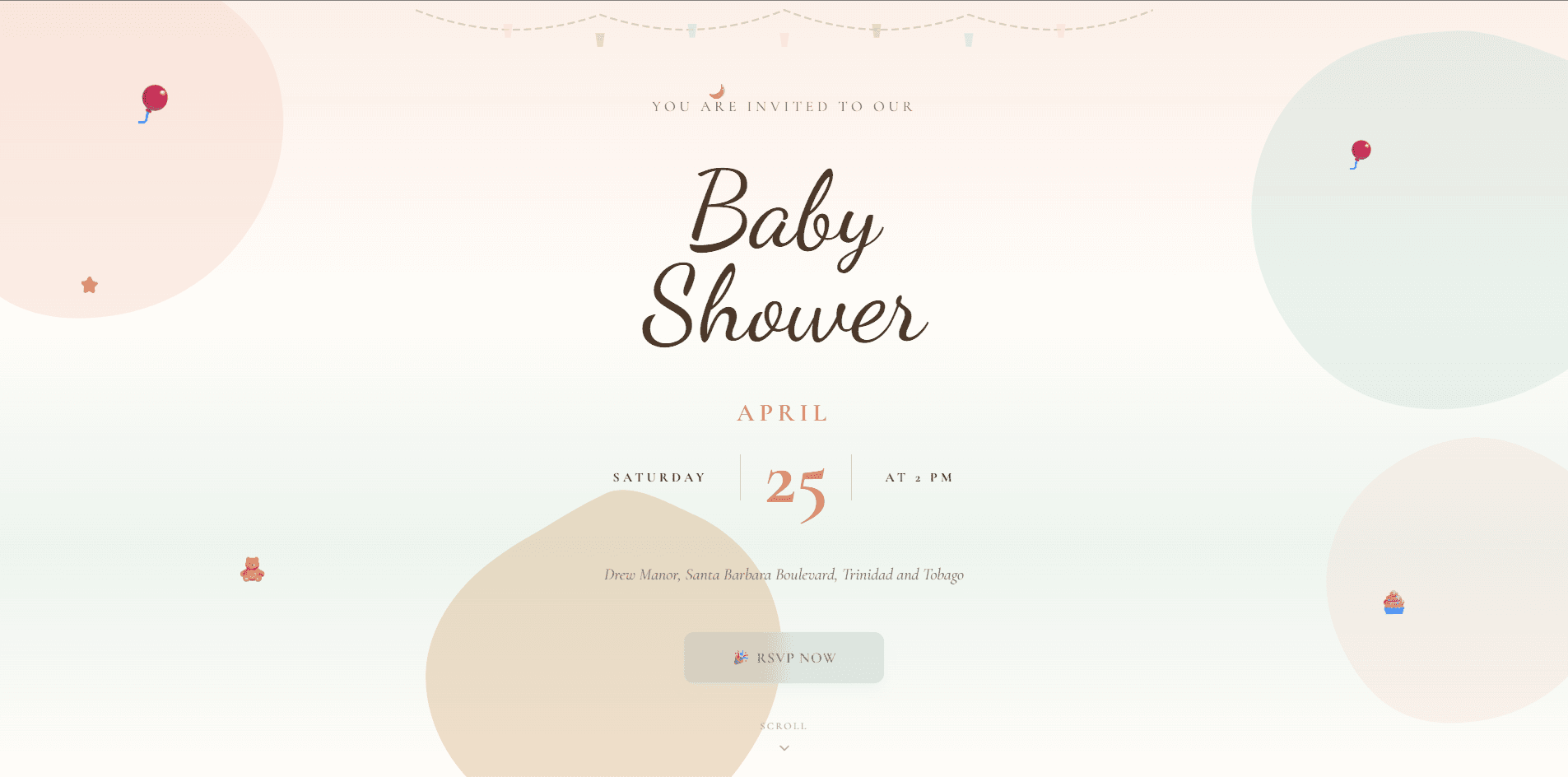
Script typography, your event date set like letterpress, soft floating accents matched to your occasion — every site opens like a keepsake, not a form.
Registry & more
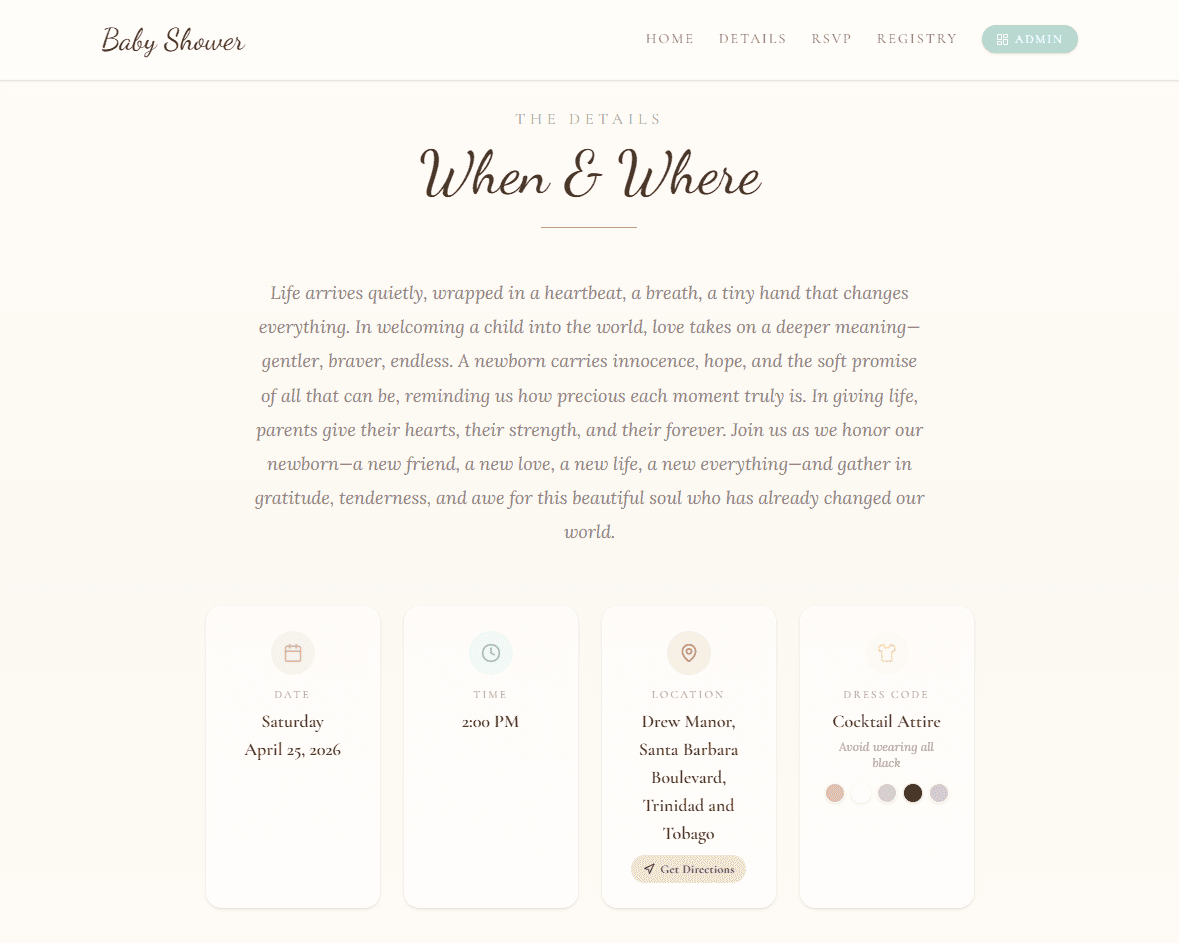
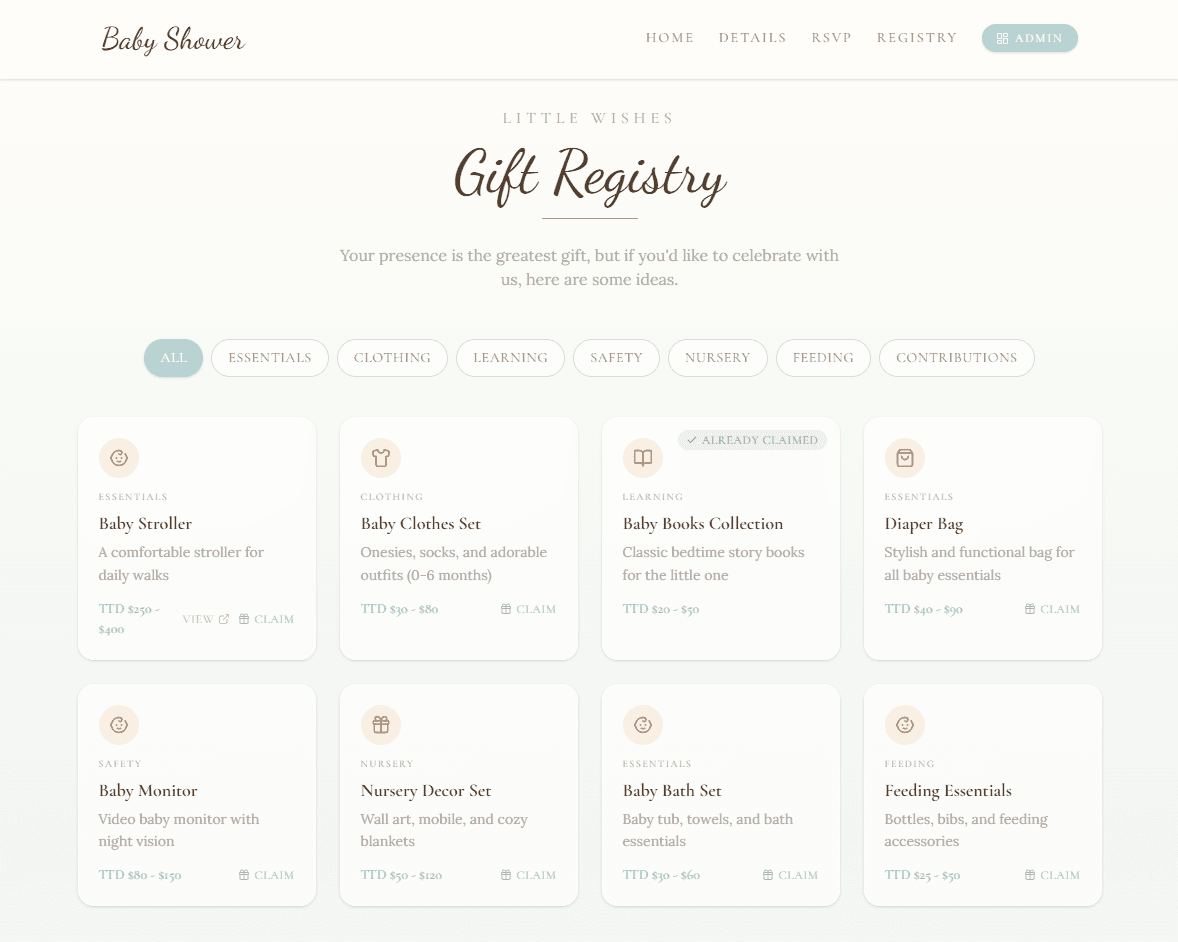
Guests RSVP, claim a gift, pre-order their meal, browse the dress code, and find their seat without ever leaving your page — and sections only appear when you switch them on.
Personalized invitation messages, accept or decline in two taps, plus-one handling, optional SMS one-time-passcode verification, and built-in bot protection. No accounts, no app downloads.
Guests claim items right on your event site — quantities update in real time so two aunts never buy the same stroller. Add links, images, and group-gift contributions.
Let guests choose their courses ahead of time — appetizers, mains, desserts, dietary notes — then hand your caterer a clean spreadsheet export.
Upload outfit inspiration photos into a beautiful gallery so "garden formal" never needs a follow-up text.
Guests see exactly which table and seat is theirs on an interactive map of your venue — highlighted in a color all their own.
Guests ask questions right from the RSVP form; your reply lands in their inbox automatically.
From paper to pocket
Mailing paper invitations? One scan takes guests straight to your event site — which looks just as lovely on the phone in their hand.
Generate a QR code that opens your event site instantly. Style the dots, corners, and colors to match your palette, then download a print-ready PNG or SVG for your paper invitations, save-the-dates, and table cards.
Every event site is fully responsive — the invitation, RSVP form, registry, and seating chart adapt from a six-inch phone to a widescreen desktop. Most guests reply from the phone in their hand, so the mobile experience comes first.
The host toolkit
Thirteen purpose-built tools behind a single admin panel — from the first guest you add to the last seat you assign. Invite co-hosts, manage several events under one account, and watch it all update live.
Start planning free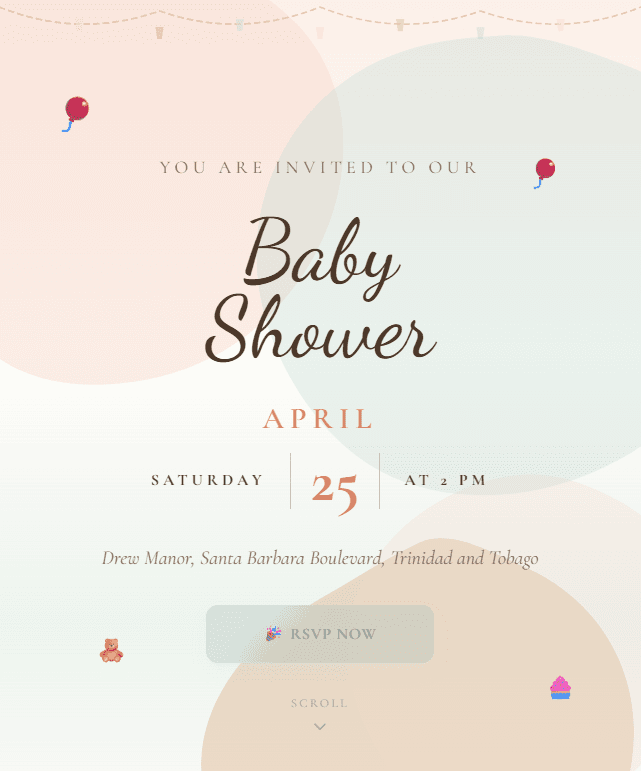
Seven designer palettes or build your own. Pick background art, floating accents, and per-element typography — fonts, colors, and sizes for every line of your hero.
Add guests in bulk, attach phone numbers for SMS verification, and generate personalized invitation links with a message written just for them.
Watch responses arrive the second guests tap submit — real-time, no refreshing. Edit, remove, and reply to questions from one screen.
Date, time, and timezone with a location picker powered by Google Maps. Set an RSVP deadline and toggle any section of your site on or off.
Map the day stage by stage — arrival, toasts, cake cutting, send-off. Give each moment a title, subtitle, time, and an icon from a searchable library of nearly 2,000.
Generate a scan-to-RSVP QR code styled in your palette — custom dot and corner shapes — and download it as a print-ready PNG or SVG for paper invitations.
Add items with links, target quantities, and icons. See who claimed what, and moderate guest-suggested items before they go live.
Create courses and dishes with descriptions and dietary flags, then export every guest selection as a caterer-ready CSV.
Drag and drop round, oval, square, rectangular, U-shape, and classroom tables. Auto-number seats, control which sides hold chairs, and assign guests visually.
Upload inspiration imagery and crop each photo per layout — square, portrait, or landscape — so the lookbook always sits perfectly.
Invite co-hosts by email with role-based access. Planners can manage multiple events from one account and switch between them instantly.
Get emailed when a guest amends their RSVP; guests get emailed when you answer their question. Nothing slips through.
Built on a live-updating backend — every dashboard count, registry claim, and seat assignment syncs across devices instantly.
Show the registry only after RSVP, hide the menu until it is final, close RSVPs at the deadline — your site, your rules.
Designed, not configured
Each palette recolors your entire site — backgrounds, sections, buttons, and watercolor art — in one tap. Or mix your own from scratch.
Baby Shower
Wedding
Birthday
Cocktail Dinner
Quinceañera
Private Event
Graduation
Pick all five colors yourself — every section, button, and background follows.
Hand-painted atmosphere behind every section, repainted in your palette — or switch it off for something quieter.
Soft hand-painted washes
Gradients that glow at the edges
Diagonal pastel sweeps
A scatter of celebration
A vignette that pulls focus
A drift of themed accents floats gently through your hero — teddy bears for the shower, champagne for the toast, a crown for the quinceañera. Or none at all.
Baby Shower
Wedding
Birthday
Cocktail
Quinceañera
Graduation
Finish with full typography control — fonts, colors, and sizes for every line of your hero, from the eyebrow to the location.
How it works
Sign up and select a theme that works for you. Your site is live in under five minutes.
Set the date and venue, build your guest list, and switch on the sections you want — registry, menu, dress code, seating.
Send each guest their personalized invitation link. RSVPs, registry claims, and orders flow into your dashboard in real time.
Questions
No. Guests open your event link in any browser, enter their name, and RSVP in seconds. If you enable SMS verification, they confirm with a one-time code sent to their phone, still no account needed.
Yes. Generate a QR code that opens your event site the moment a guest scans it with their phone camera. Style it to match your palette — dot shapes, corner shapes, and colors — then download it as a print-ready PNG or SVG and place it on your paper invites.
Beautifully. Every site is fully responsive — the invitation, RSVP form, registry, menu, and seating chart all adapt to any screen size, and most guests respond right from the phone in their hand.
Weddings, baby showers, birthdays, quinceañeras, graduations, cocktail dinners, and private events — each with its own designer palette, background art, and themed accents. A custom palette option covers everything else.
Yes. Every section of your event site has a visibility toggle, the registry can be limited to guests with an accepted RSVP, and an RSVP deadline closes responses automatically.
Guests pick their dishes when they RSVP. You export every selection — names, courses, and dietary notes — as a CSV file your caterer can open in any spreadsheet app.
Yes. Invite co-hosts by email with role-based access. Event planners can manage multiple events under one login and switch between them from a dropdown.
You arrange tables on a drag-and-drop seating chart and assign guests to seats. When a guest visits your site, their seat is highlighted on an interactive venue map.

Create your event site, share one link, and watch the RSVPs arrive — beautifully.